Create your own
digital stamp.
Choose a template and customize it for free.
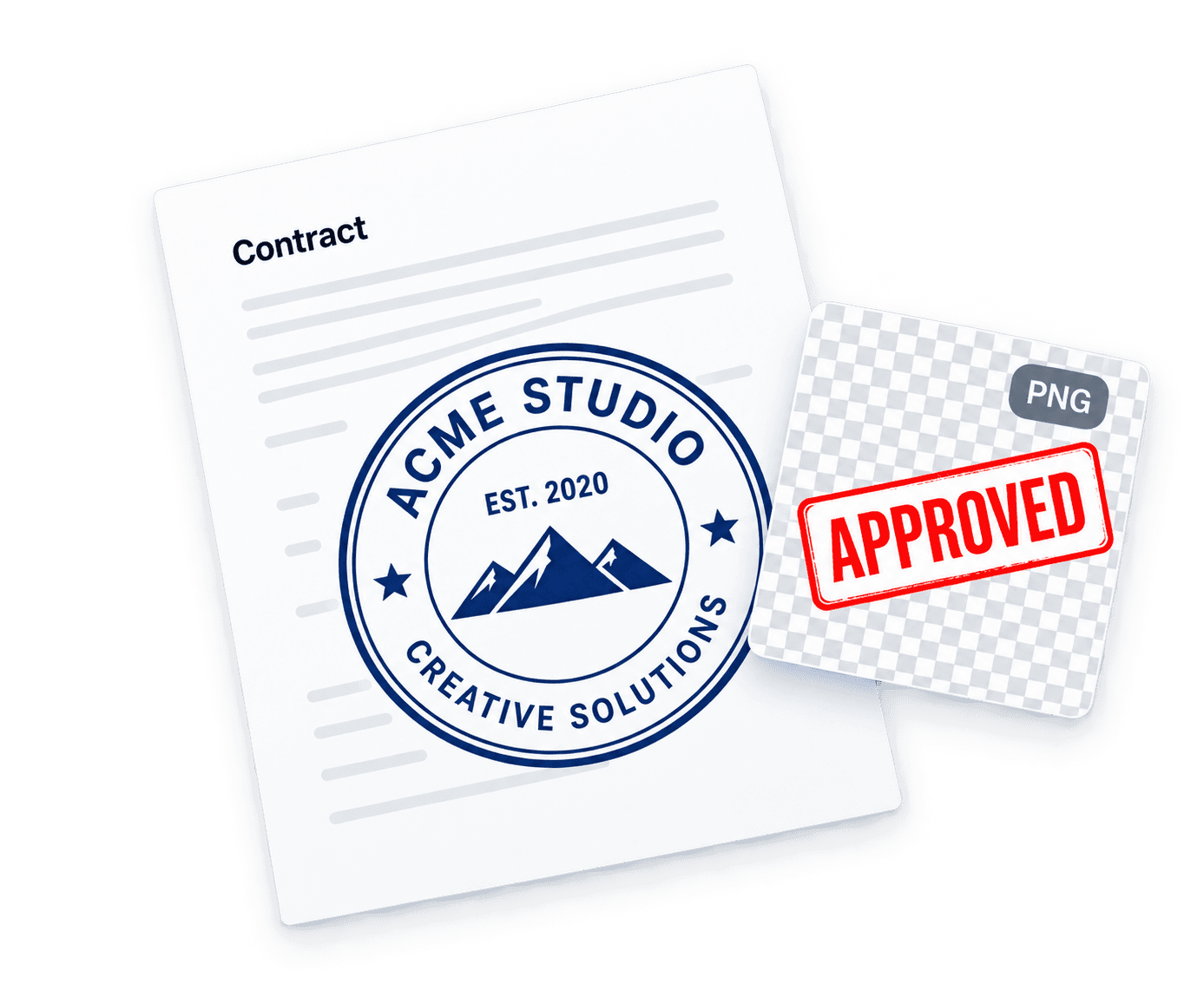
Choose PNG download access, then upload your stamp to a PDF.
Find your starting point
Browse templates or search for a specific style.
How it works
A stamp that’s yours. In three steps.
- 01
Choose a design
Browse templates or start from scratch. Find a style that fits your needs.
- 02
Make it yours
Edit the text, shape, size and ink colour to get it just right.
- 03
Download your stamp
Choose download access and get a high-resolution PNG for your documents.
Put your stamp on a PDF.
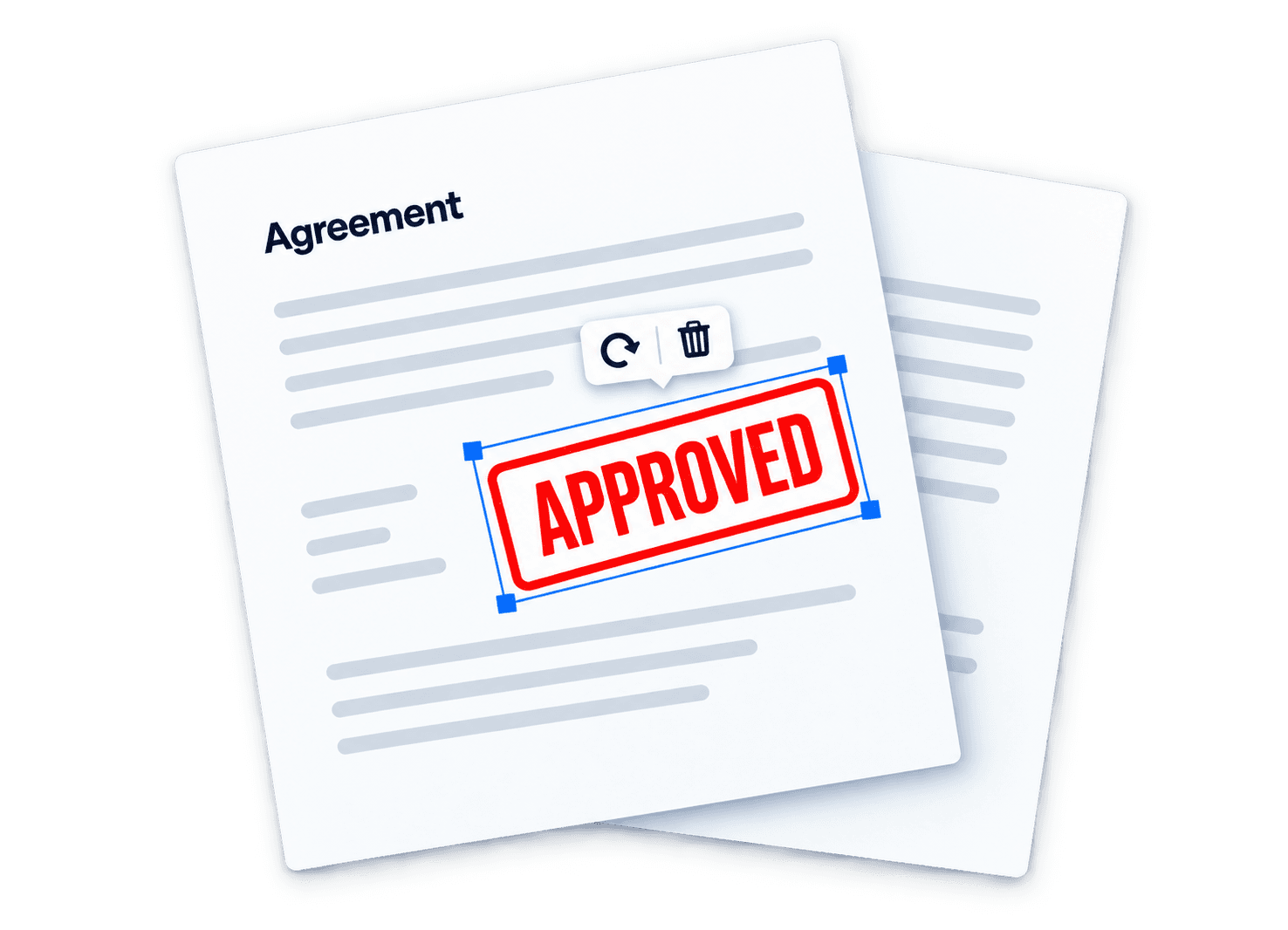
Place, resize and rotate your stamp on a document.
Export your stamped PDF for free.
Frequently
asked questions
Can I download a transparent PNG?
Yes. Choose a transparent background in the download panel. Editing is free; paid PNG downloads require an account and download access. Choose one stamp or an unlimited pass, with the current price shown before purchase.
Can I upload my logo or signature?
Yes. Add a PNG, JPEG or WebP image in the editor. Images are processed locally during editing. Account saves and paid downloads upload the design and its images to private storage.
Do I need an account to edit?
No. You can choose a template and edit for free without signing in. An account is needed for account saves and paid downloads.
How do I stamp a PDF?
Open the PDF editor, choose your PDF, then upload a PNG or JPEG stamp image. To use a design from the stamp editor, download its PNG first. Place, resize and rotate the image, then download the PDF for free without an account. PDF files and edits stay in your browser for this session.