PDF stamper
Your stamp.
On your PDF.Stamp, sign or add text
Open a PDF, add stamps, signatures or text, and download the finished document.
PDF · Up to 50 MB · 200 pages
Files stay in your browser. Download before closing.
Visual stamps are not digital signatures. Editing a digitally signed PDF may invalidate its signatures.
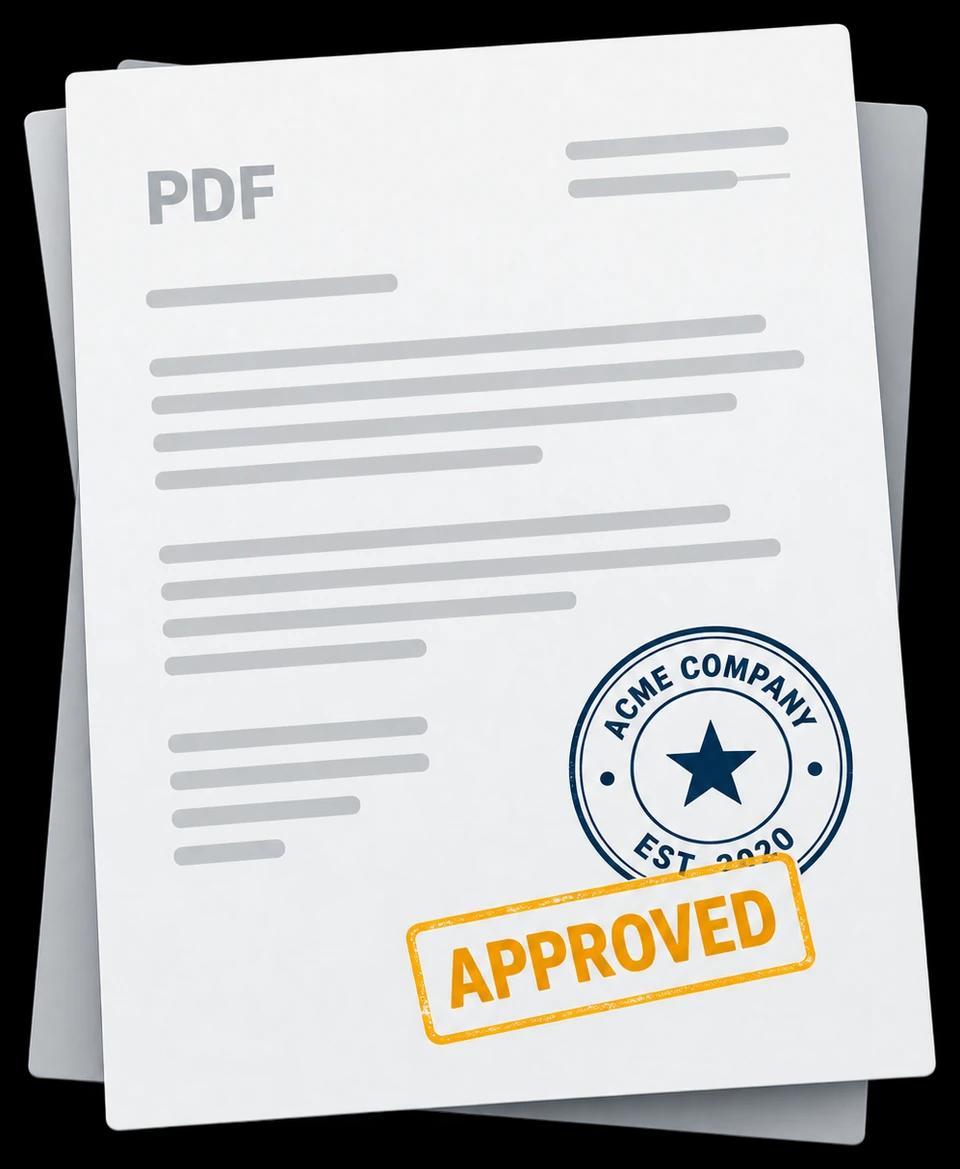
- Open a PDF
- Add a stamp
- Download the finished PDF
Stamp PDFs online for free
Add a stamp image, a drawn or uploaded signature, or new text to your PDF pages. Position your additions, adjust their size and rotation, and download the finished PDF without an account.
How to add a stamp to a PDF
- Choose a PDF from your device. Files can be up to 50 MB and 200 pages.
- Choose Stamp to upload a PNG or JPEG, Signature to draw or upload a signature, or Text to add a note.
- Move, resize or rotate your additions. Apply copies to selected pages or all pages, and use undo to correct changes.
- Download the finished PDF before closing or reloading this page.
For example, add an approval stamp to several pages, place your signature on a form, or add a date as new text.
Your document stays in your browser
PDFs, uploaded images, signatures and added text are processed locally for this editing session. They are not uploaded for PDF processing or saved to your account. Download your work before leaving; the session is not a saved document library.
The site still makes ordinary requests to load the application. Read our privacy policy for details.
Before you start
Is PDF stamping free?
Yes. Adding your own images, signatures and text, then downloading the PDF is free and does not require an account. Creating a stamp in the stamp maker is also free; downloading that design as a PNG requires paid access. See PNG download pricing.
Can I create a stamp to use here?
Start with a stamp template or a blank design in the stamp maker. Download the PNG with paid access, then upload it here using Stamp. You can also use a PNG or JPEG you already have.
Does this create a digital signature?
No. Drawn signatures and stamp images are visual marks, not cryptographic digital signatures. This tool does not verify signatures. Editing a digitally signed PDF may invalidate its existing signatures.
Which PDF edits are supported?
You can add images, signatures and new text over PDF pages. You cannot rewrite the original PDF text or redact content. Password-protected and encrypted PDFs are not supported.